
Developing for Blackberry 10
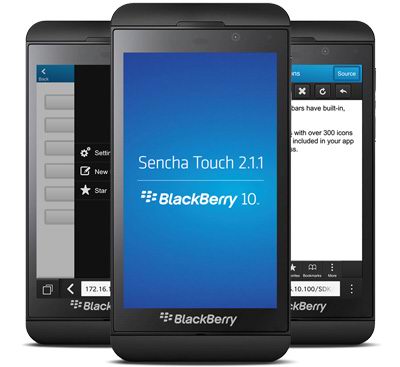
A short insight on how to get started with developing for the new Blackberry 10, using dynamically created controls.
| ||||||||||||||||||||||
Top Articles! See PocketMagic on Facebook |
A short insight on how to get started with developing for the new Blackberry 10, using dynamically created controls.
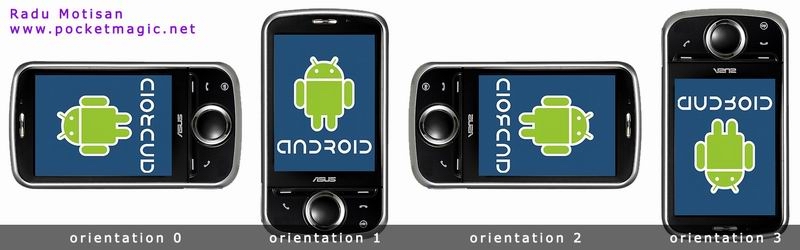
Find the default orientation on Android devices, and intercept orientation changes even for activities locked in portrait or landscape mode.
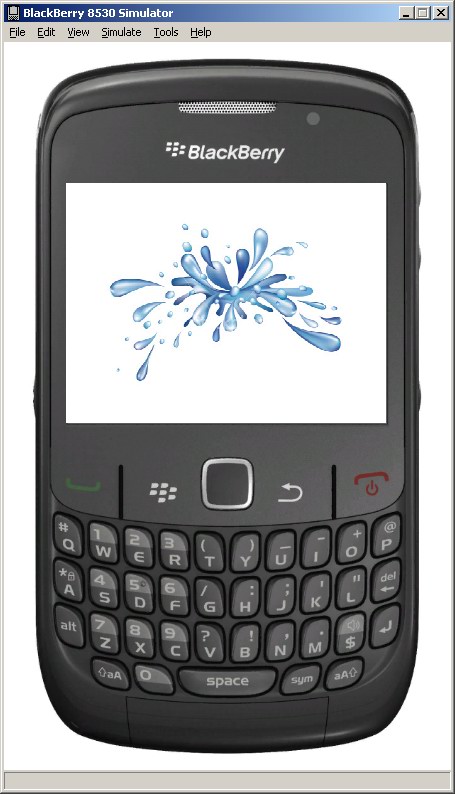
A tutorial with code that presents an easy way to show a splash screen in your Blackberry application. Show the first Splash-Screen, wait a few miliseconds, than load the rest of your application.
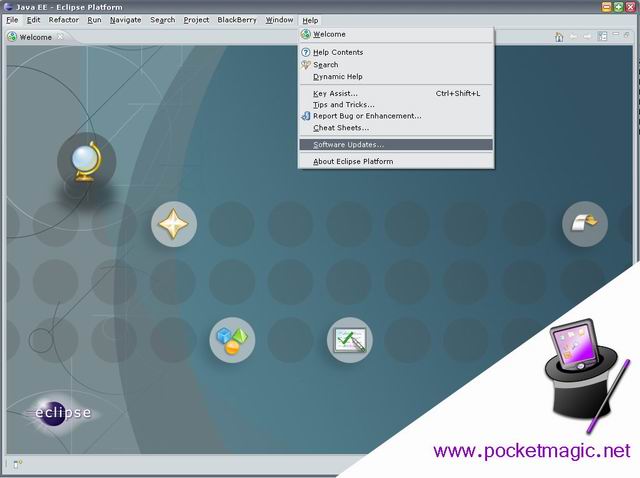
An updated article on some very basic first steps with Blackberry programming. Tools, sample app, and how to get it running.
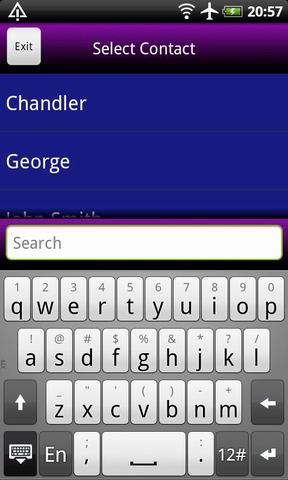
The Android Contacts tutorial part 5, here I show a robust solution for selecting a contact from a list. A filter/search mechanism is also implemented using the SimpleCursorAdapter.
Part 2 of the Android Contacts tutorial, showing how to add a custom column to a contact, and how to use that to identify a newly added contact and read its LOOKUPKEY.
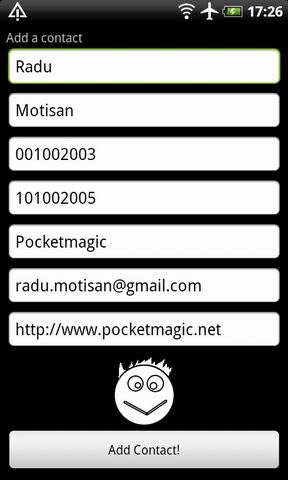
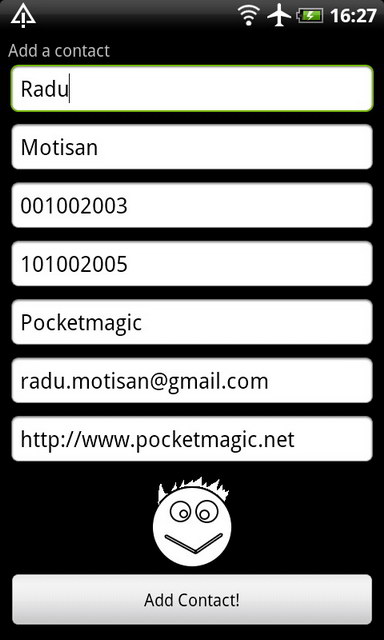
Part 1 of a tutorial on working with Android Contacts: add a new contact programatically, including name, email, company, phone but also a thumbnail contact image .
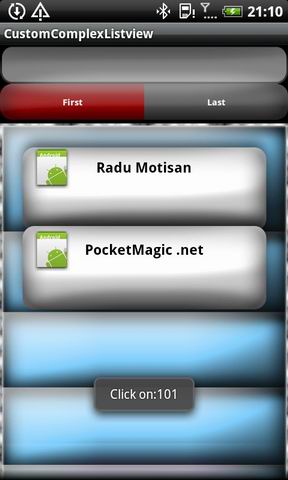
Create a dynamic (no XML) listview with header with all the bells and whistles. Learn how to use the item position to change its background and content for a complex result.
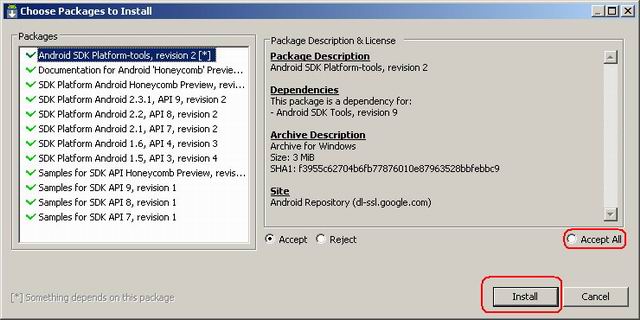
Get started with Android Java development – a tutorial with detailed steps and lots of pictures to help you make your first android application. Use Eclipse and the Android SDK.
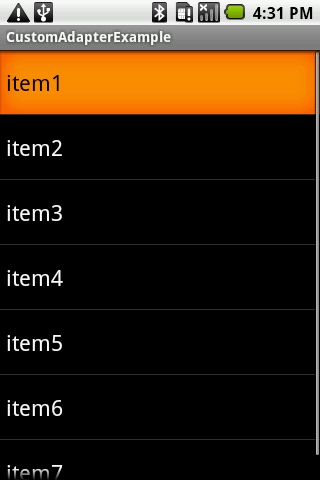
A tutorial on how to build a custom adapter for an Android Listview control, and how to catch the onClick event correctly.
Includes source code.
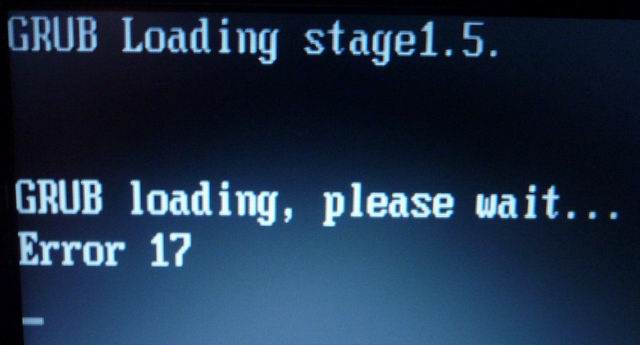
See how to fix Grub Error 17 on Ubuntu.
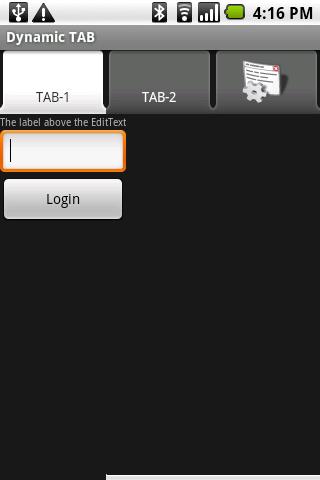
Learn to create a tab control on Android, without the XML layout. Add an image to the tab control in a few easy steps.
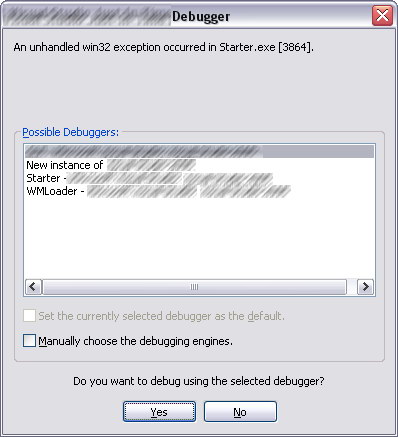
When using CreateProcess win32 API make sure the lpCommandLine is not a constant or your application can crash.
This article shows a few basic things:
- How to connect your iPhone to your desktop PC and how to update the iPhone firmware
- How to downgrade the iPhone 3G from 3.1 to 3.0
- How to activate the iPhone 3G 3.0 (jailbreak)
- View iPhone filesystem in total commander
- Do screen captures of your iPhone 3G
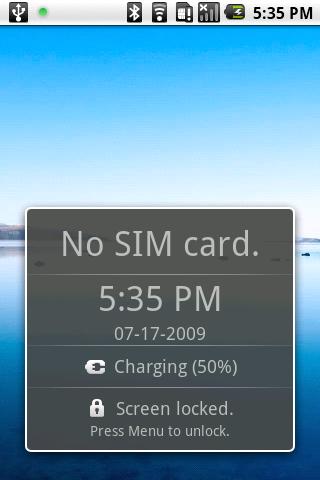
Disable the “No SIM card.” annoying Android message.
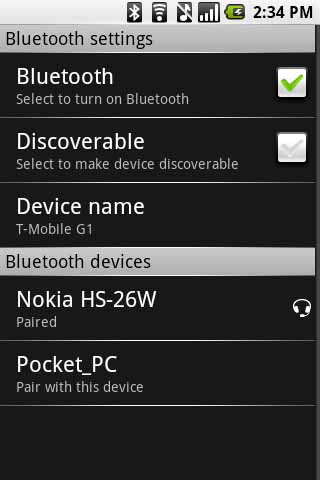
See how to get more Bluetooth functionality on your Android device then the interface offers you. Discover nearby bluetooth devices, and see what interaction options you’ve got.
List of HCI commands.
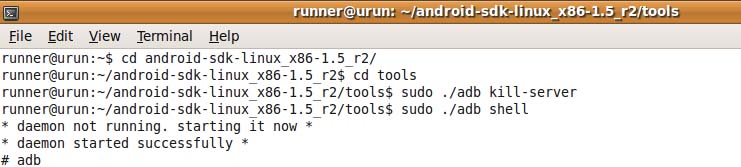
Hunting down some connectivity issues with the ADB command from the Android SDK.
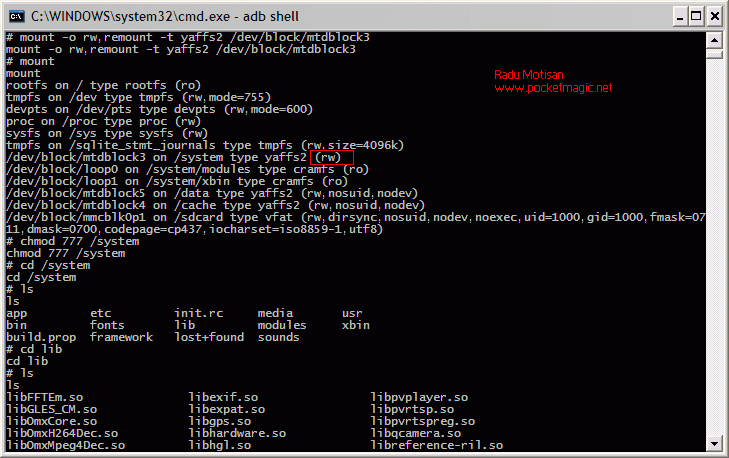
Hot news: You can change the android partitions to Read-Write so you can upload new file versions (eg. permissions.xml) .
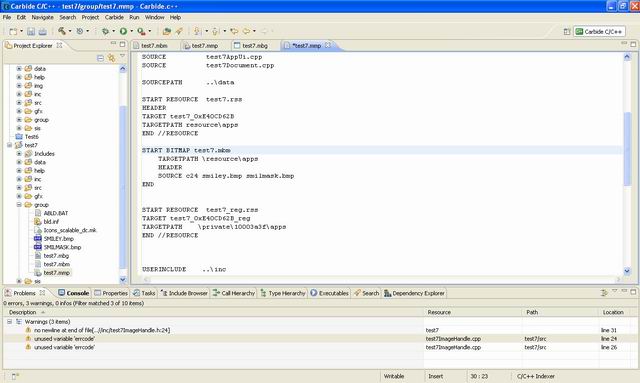
Learn how to handle drawing on the Symbian platform. A step by step guide on how to draw images and polygonal shapes.
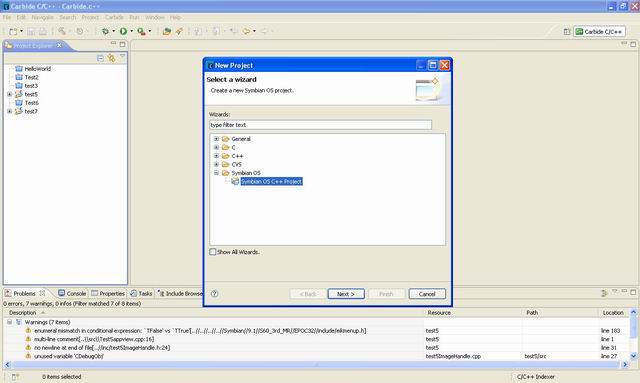
Make the first HelloWorld application for Symbian
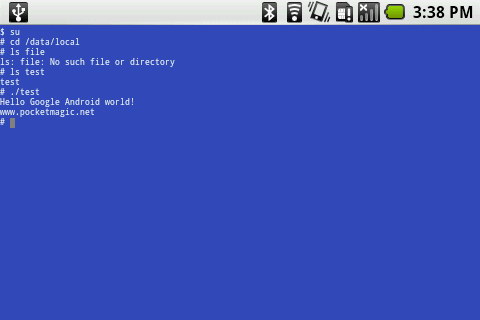
An useful post on how to use gcc and the android toolchain to produce native C applications for the google android.
Get started with Android Java development – a tutorial with detailed steps and lots of pictures to help you make your first android application.
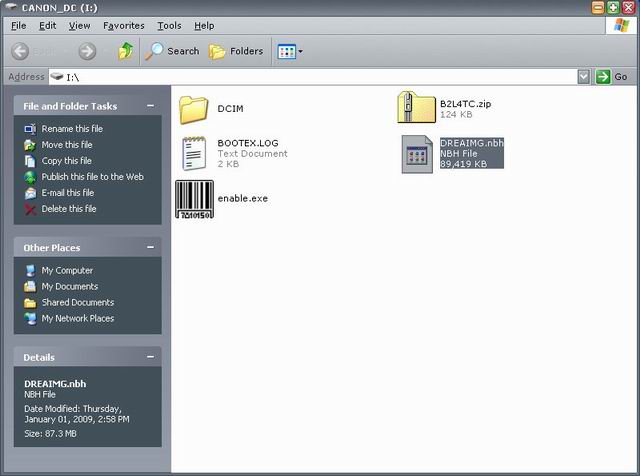
A tutorial on how to unlock your Android G1, how to upgrade the ROM version and how to get Root on your embedded linux box.
Learn:
- how to connect the Android to your Windows PC
- how to take screen captures from your Android
- how to install new software on your mobile device
My first contact with BlackBerry development: here’s an article on what you need to get started.